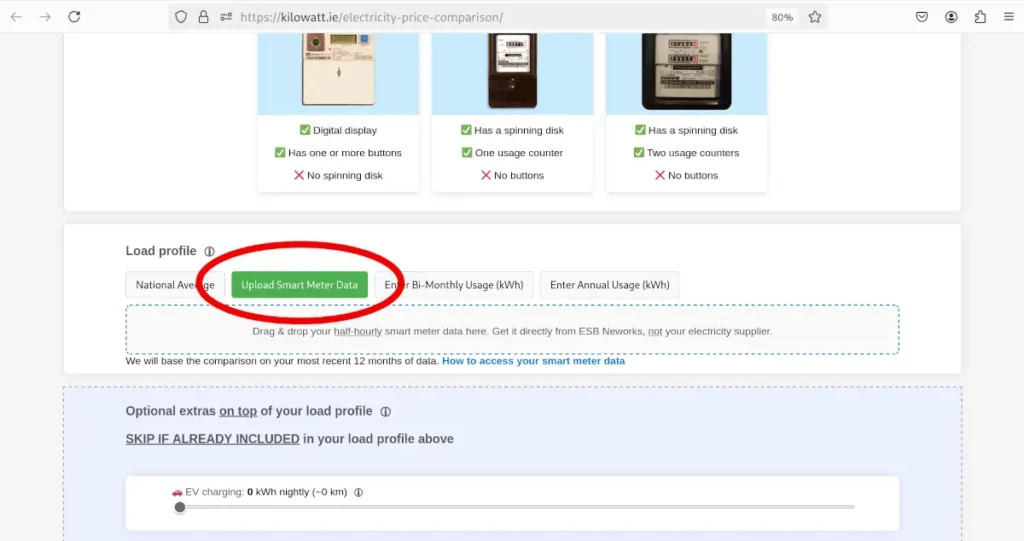
Make sure to download your half-hourly smart meter data directly from ESB Networks, so the price comparison works properly. The whole process takes about 3 minutes. Just follow the simple instructions below:
Open the ESB Networks Portal
No matter who your electricity supplier is, click here to access your smart meter data. Only smart meter data directly from ESB Networks is guaranteed to work on kilowatt.ie.
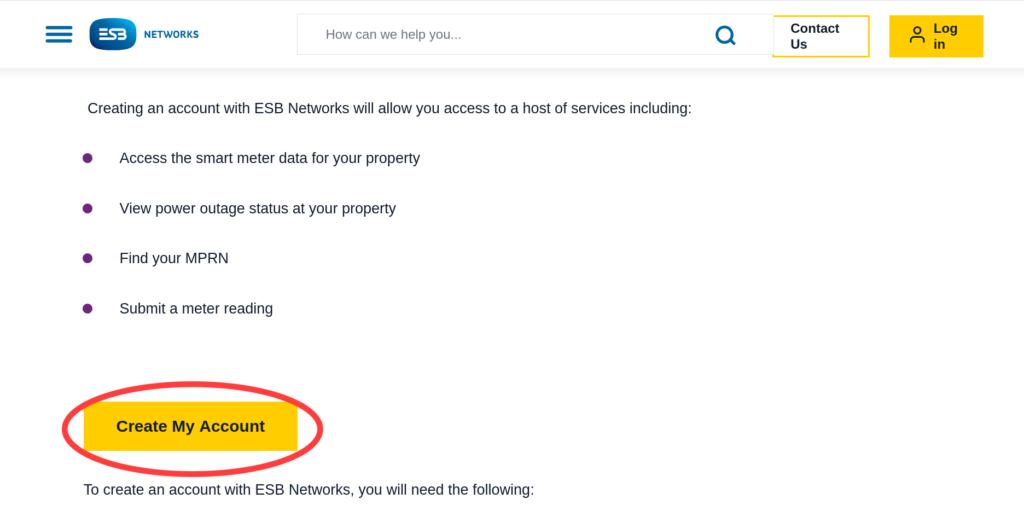
Scroll down and click "Create My Account"
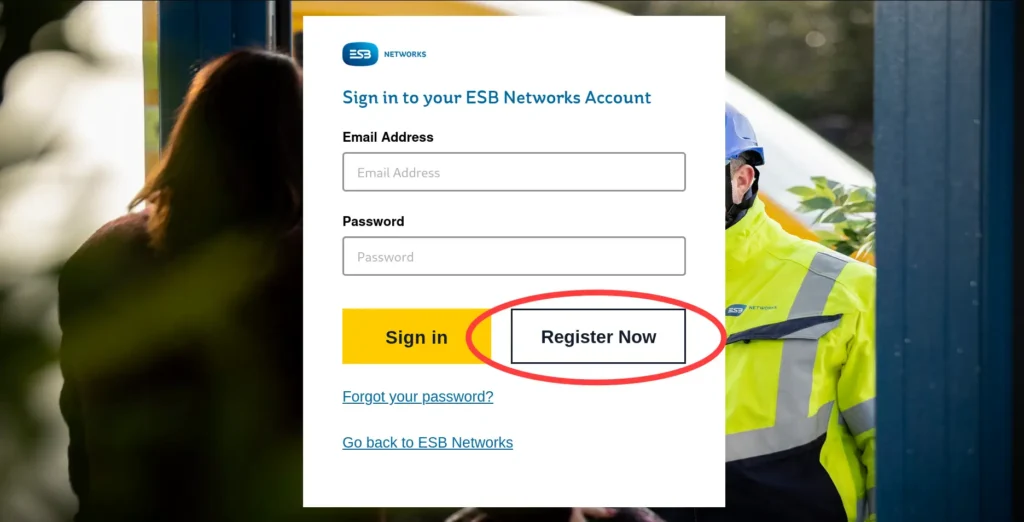
Click "Register Now"
Follow the instructions to complete your account setup
You will need: MPRN: Electricity meter number, you'll find this on your bill Phone number: It must be same phone number that your electricity supplier has on file Email address
Log in to the portal
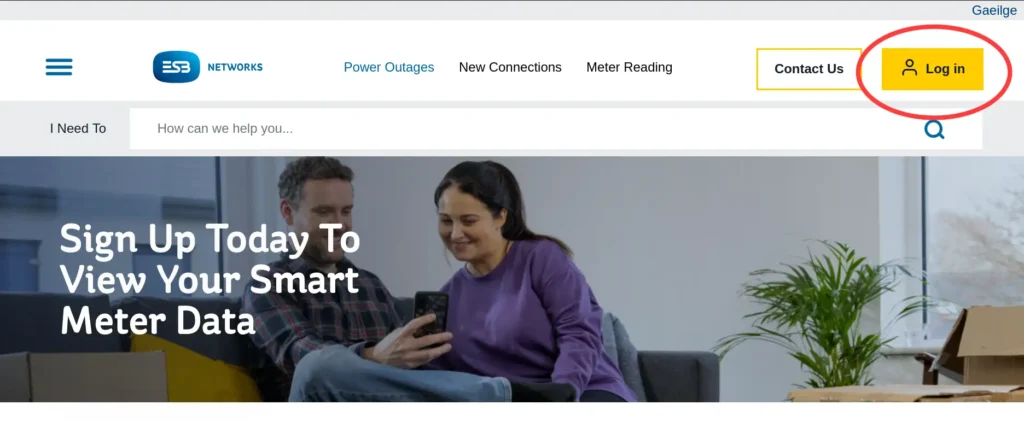
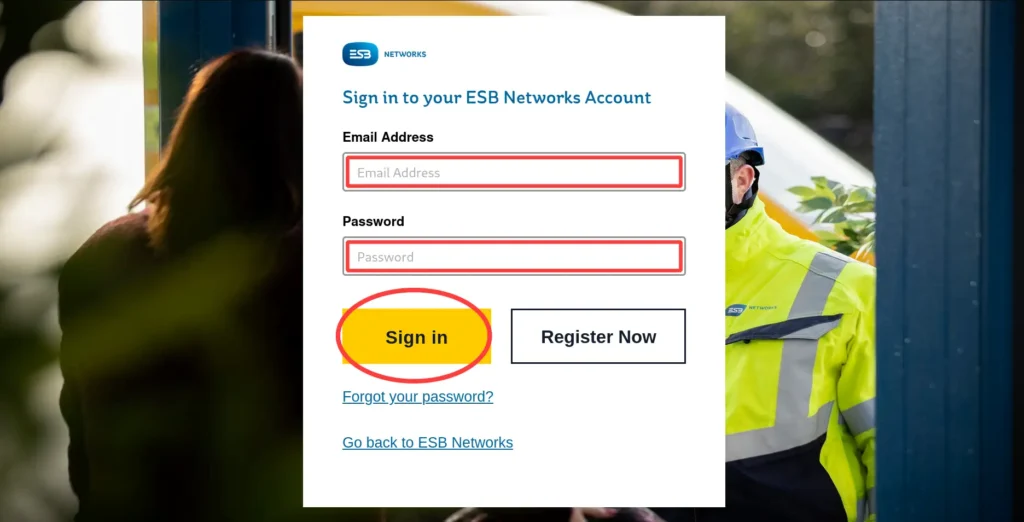
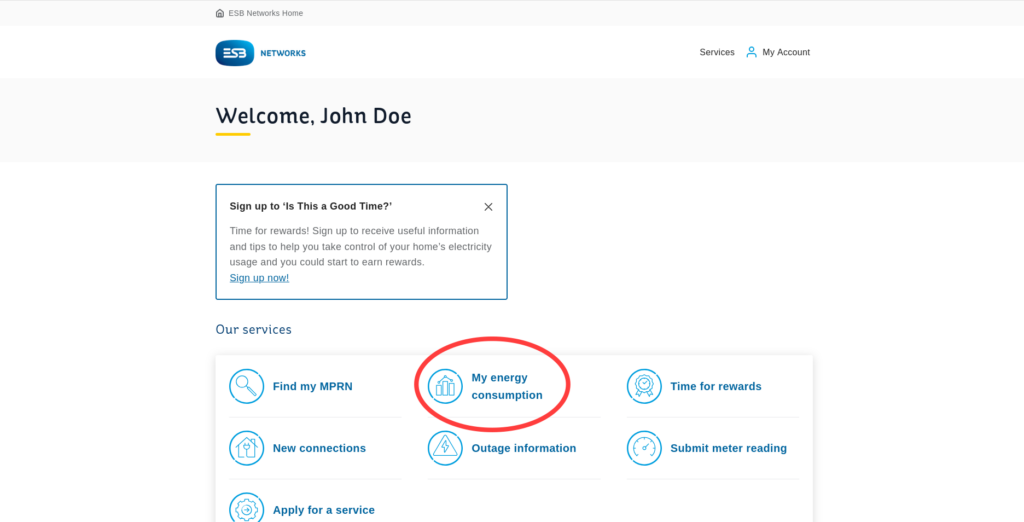
Once you've logged in, scroll down and click "My energy consumption"
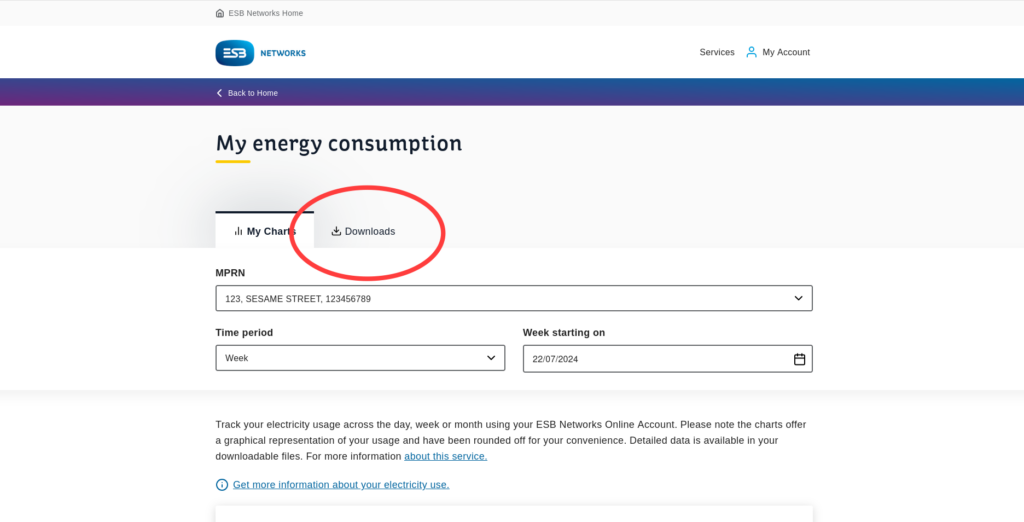
Click "Downloads"
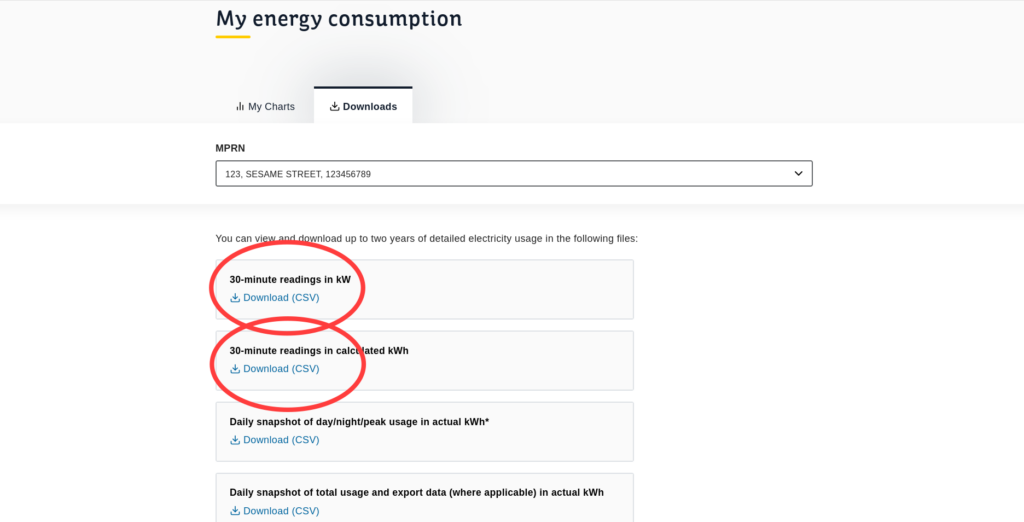
Download the 30-minute readings (NOT daily)
You might see two options: kW and calculated kWh. Either version is fine. Just make sure the readings are half-hourly (not daily).
DO NOT OPEN THE FILE. This is because some software can change the file format, causing price comparisons to not work. Save it somewhere that you'll be able to find it later.
Custom Electricity Price Comparison
Now that you've downloaded your smart meter data, open the Kilowatt.ie electricity price comparison tool.
Under "Load Profile" select "Upload Smart Meter Data".
Drag and drop your smart meter data or click to upload it from your computer.